Open. Write. Carry on.
Click Jot in your menu bar. Your note is right where you left it. Press Esc when you’re done.
 Jot
One plain-text note in your Mac menu bar. Open it for a quick thought, a draft, or text you’ll paste again.
Download for Mac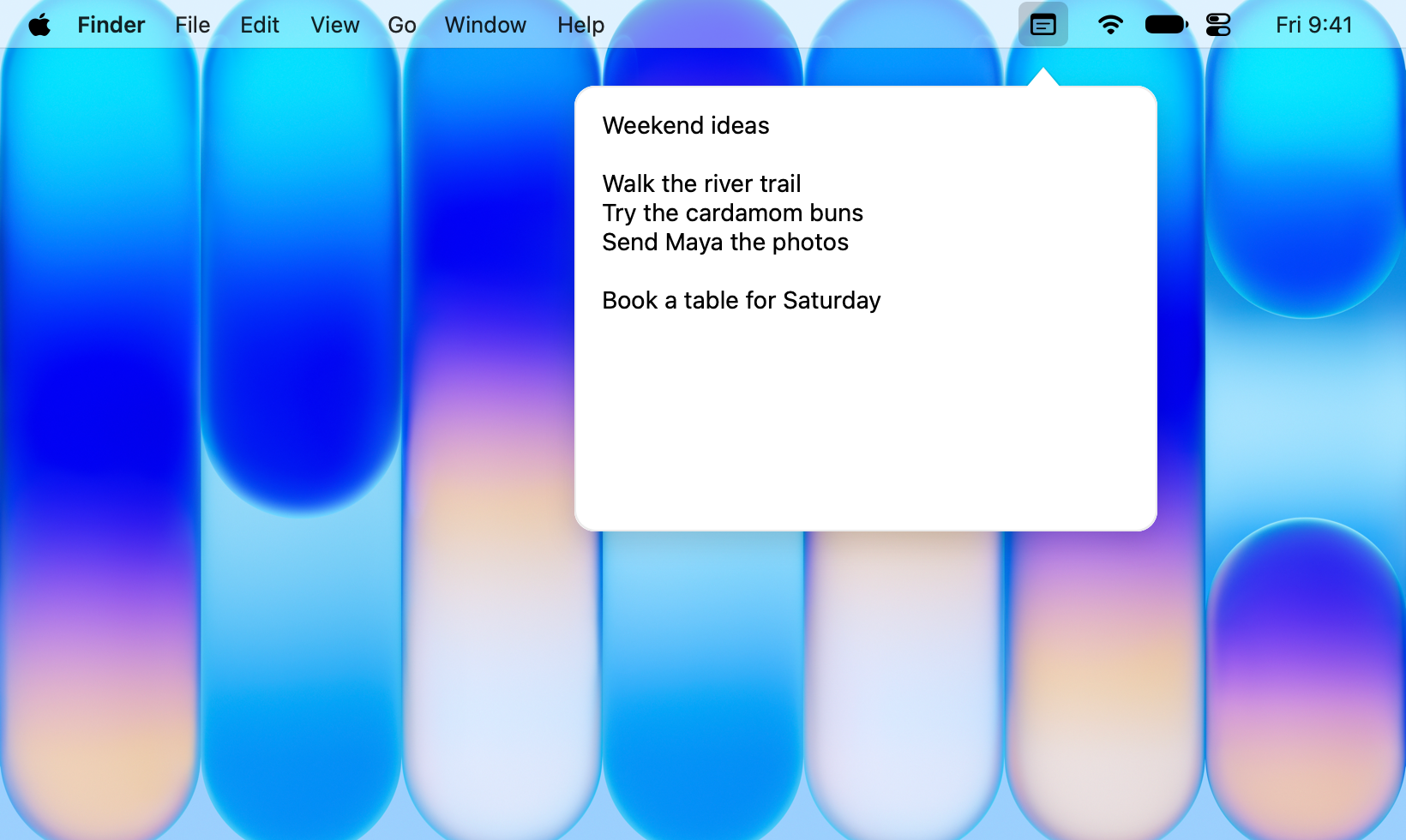
Click Jot in your menu bar. Your note is right where you left it. Press Esc when you’re done.
Jot saves every edit automatically. A quick list, a draft, or a passing idea stays ready for your next visit.
Your note lives locally as a plain-text file. Jot’s source is available under the MIT license.
Open the disk image and drag Jot.app to Applications. Open Jot and look for the note icon in your menu bar.